
Send A File
Your File. Our Expertise.
Click the button below to open the file upload form.
Preparing Artwork
Burlington Press highly recommends the PDF format for submitting artwork. Please remember the following when creating a PDF file from your design program:
- We require 1/8″ margins on all sides. Any text or objects closer than 1/8″ to the edge of the sheet may be cut off.
- We require 1/8″ bleeds on all sides. Any object that touches the edge of the sheet must be set to extend beyond the page size by at least 1/8″. If your document does not bleed, you do not need to add a bleed area.
- All fonts must be embedded or outlined.
- Artwork should be saved at 300 DPI or higher.
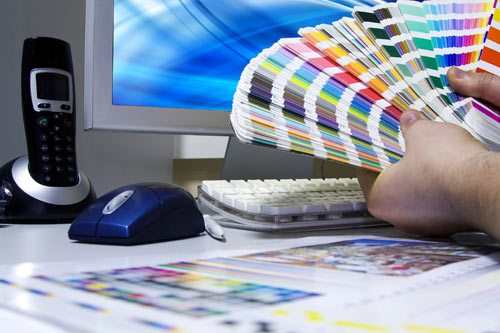
If full color graphics are provided in RGB format, please note that color shifts are possible when converting to CMYK for printing. This usually has little noticeable effect on photographs, but artwork color values can shift switching between gamuts. Some colors achievable in RGB cannot be printed in CMYK. For best results, please send artwork in CMYK format.
Spot colors should be identified as Pantone colors (ie. PANTONE 301 C) .
Microsoft Office applications cannot be color separated within the application. If the documents are to be printed on a printing press, we must use special procedures and tools to separate these files that will require and additional charge. We will attempt to match the colors as closely as possible.
Proofreading Tips
Proofing documents before print is vital for maintaining a professional image. A very small error can ruin the entire vibe of your promotional materials. Here are a few proofreading tips: